

Quick heads up before we dig in. Super LTE is now called Warp. GSM LTE evolved into what we now call Light Speed. Same networks under the hood, fresh names, and a third network has joined the lineup since this article first went live: Dark Star. If you landed here looking for compatibility info on Super LTE or GSM LTE, you’re in the right place. We’ll cover what changed, what stayed the same, and exactly how to figure out which network fits your phone best.
US Mobile partners with the three largest network operators in the country, so you get the same coverage and speeds as the big carriers without the contracts, bloated bills, or surprise fees. You also get something the big three don’t offer: the ability to switch between networks (or run two or three at once on a single plan) inside one app.
Here’s the full breakdown of each network, what your phone needs to work on it, and how to check compatibility in under a minute.
Warp (formerly Super LTE)
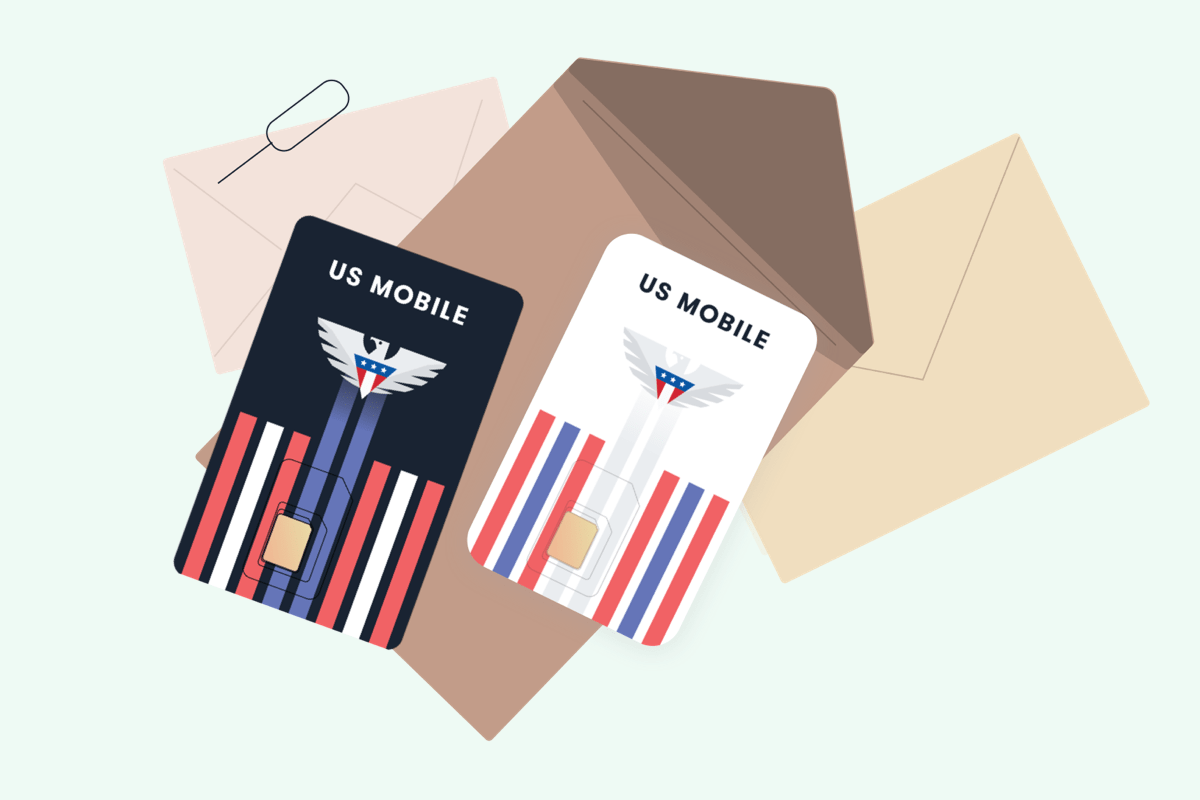
Warp is the rebranded version of Super LTE. If you remember the black SIM card from the old US Mobile starter kit, that was Warp. The network runs on the same infrastructure as the largest premium carrier in the country, which means strong coverage in dense urban areas, suburbs, and most rural pockets.
Who Warp is best for
- You want the broadest 5G footprint in the country.
- You live or work in a building where reception has historically been spotty on other carriers.
- You want premium data priority during peak hours (available on Unlimited Premium).
- You travel often and want fast speeds in major metros.
Phone compatibility for Warp
Warp works on most factory unlocked 4G LTE and 5G phones built since 2018. Your phone needs to support HD Voice (also called VoLTE or Enhanced Calling) and the right LTE bands. Most Apple, Samsung, Google Pixel, and OnePlus phones sold in the US fit the bill. The key bands to check are Bands 2, 4, and 13.
Newer iPhones (XS and later) and Samsung Galaxy phones (S20 and later) also support eSIM, which is the fastest way to get on Warp.
Light Speed (formerly GSM LTE)
Light Speed is the network that grew out of the original GSM LTE service. The white SIM card from the old days has been replaced by the Light Speed SIM, but the underlying network has been upgraded to deliver faster speeds and broader 5G coverage than the legacy GSM service. If your phone used to work on GSM LTE, it will almost certainly work on Light Speed.
Who Light Speed is best for
- You want a balanced mix of coverage and speed at a great price.
- You live in a region with strong GSM coverage and want consistent service.
- You’re bringing over an older device that originally worked on a GSM-based carrier.
- You want the option to use international by-the-gig or roaming features.
Phone compatibility for Light Speed
Light Speed has the broadest device compatibility of any US Mobile network. If your phone supports LTE Band 4 (1700/2100 MHz), it should work. Phones that only support 2G or 3G are no longer supported on this network. Apple, Samsung, Pixel, OnePlus, Motorola, LG, and most other major manufacturers ship phones that work on Light Speed without any extra setup.
Dark Star (the newest network)
Dark Star is the newest addition to the US Mobile lineup and didn’t exist when this article first ran. It runs on a third major network, giving you another option if Warp or Light Speed don’t perform well in your area. Most modern phones can activate on Dark Star instantly through eSIM.
Who Dark Star is best for
- You’ve tried other networks in your area and want a third option.
- You want access to features like RCS messaging on iPhone, which is currently exclusive to Dark Star at US Mobile.
- You want fast hotspot speeds without paying premium pricing.
- You want a network that supports international roaming as part of your plan.
Phone compatibility for Dark Star
Dark Star works with most modern unlocked phones, including all recent iPhones and flagship Android devices. It supports both eSIM and physical SIM activation. If you’re on an Android device and you want to skip manual setup, Dark Star ships an APN configuration profile you can download and install in seconds.
How to check if your phone is compatible
The fastest way to confirm which of our three networks work with your phone is to send us your make, model, and IMEI. Our team will check it against our network databases and tell you exactly which networks support your device. Here’s how to do it.
How to check if your phone is compatible with the US Mobile networks (Warp, Light Speed, and Dark Star).
Find your phone’s IMEI
Dial *#06# on your phone keypad. The 15 digit IMEI number will appear on screen. You can also find it in Settings > General > About on iPhone, or in Settings > About Phone on Android. The IMEI is also printed on the box your phone came in or on a sticker behind the battery.
Note your phone’s make and model
Write down your phone’s exact make and model (for example: Apple iPhone 15 Pro, Samsung Galaxy S24 Ultra). The more specific you can be, the faster we can confirm compatibility.
Reach out to our team
Send your IMEI, make, and model to us through live chat at usmobile.com/chat, email [email protected], or call (878) 205-0088. Support is available 24/7.
Get your compatibility answer
We’ll tell you which of our three networks (Warp, Light Speed, Dark Star) support your device. Most modern unlocked phones work on at least two of the three networks.
Pick a plan and activate
Once you know which networks work, pick the plan that fits your data needs. You can activate instantly with eSIM or order a physical SIM card. Activation usually takes under five minutes on eSIM.
Phone bands and why they matter
Cellular networks broadcast on specific radio frequencies called bands. Your phone needs to physically support those bands to connect. A phone built for the European market might miss a band that’s standard in the US, which is why an unlocked phone bought overseas sometimes won’t work here even if it’s brand new.
Each of our three networks (Warp, Light Speed, Dark Star) requires a slightly different mix of LTE and 5G bands. The exact compatibility depends on the make, model, and region your phone was built for, which is why we don’t recommend trying to memorize a band chart.
The fastest way to confirm what your phone supports is to send your make, model, and IMEI to our team. We’ll tell you exactly which networks your device can run on. Reach us through any of the following:
- Live chat: usmobile.com/chat
- Email: [email protected]
- Phone: (878) 205-0088
Support is available 24/7. Most compatibility checks take under five minutes.
Activating with eSIM
Almost every modern phone supports eSIM, which is the way to go for activation on US Mobile. The whole process takes about five minutes. You pick a plan, scan a QR code, and you’re live on the network. No waiting for shipping, no fiddling with a SIM tray, no risk of losing or damaging a physical card. Switching networks later is also instant when you’re on eSIM.
If your phone is an iPhone XS or newer, a Samsung Galaxy S20 or newer, a recent Pixel, or just about any flagship Android made in the last few years, you’re good to go. Not sure if your phone supports eSIM? Reach out to support and we’ll confirm before you commit.
How to pick the right network for you
The honest answer is that coverage performance is hard to predict from a map alone. The signal that one carrier shows as “excellent” in your zip code might still drop calls in the back office of your house. The cleanest way to pick is to test.
Start with the network you think suits you best. If it works, you’re done. If it doesn’t, you have two options:
- Switch networks. You can move your line to another network any time inside the app. Your first two switches are free, then it’s $2 per switch (or always free on Unlimited Premium).
- Run two or three networks at once. Add multi-network to your plan and use a different network at home, at work, and on the road. New customers get the multi-network add-on free for the first two billing cycles.
Want a deeper head-to-head? We’ve broken down each pairing in detail:
Plans available on all three networks
Once you know your phone is compatible, here’s what you’ll pay. Every plan below works on Warp, Light Speed, and Dark Star, with taxes and fees included.
| Plan | Price | Data | Best for |
|---|---|---|---|
| Light Plan | $10/mo | 2 GB | Light users, kids’ phones, backup lines |
| Unlimited Flex | $17.50/mo | Unlimited (10 GB high speed) | Casual users who want unlimited talk and text |
| Unlimited Starter | $25/mo | Unlimited (high speed varies by network) | Most users, heavy streamers |
| Unlimited Premium | $44/mo | Unlimited (always high speed) | Power users, frequent travelers, hotspot heavy |
Annual plans knock 20 to 25 percent off the monthly price. Unlimited Starter has the steepest annual discount at $30 off when paid yearly. Network switches are free on Unlimited Premium and capped at $2 each after the first two on every other plan.
Ready to get started?
If you’ve confirmed your phone is compatible, activation takes about five minutes. Pick the plan that fits your needs, complete checkout, and scan the QR code we send you. Your line is live the moment you scan it. No SIM card to wait for, no setup headaches.
Still not sure which network is right for you? Head to our Networks page for a side-by-side comparison, or reach our 24/7 support team via live chat, email at [email protected], or phone at (878) 205-0088. We’ll help you figure out the best fit before you commit.
Frequently asked questions
Is Super LTE the same as Warp?
Yes. Super LTE was rebranded to Warp. The underlying network and coverage are the same as before. If your phone worked on Super LTE, it will work on Warp.
Is GSM LTE the same as Light Speed?
Light Speed is the upgraded version of the network that used to power GSM LTE. The infrastructure has been improved with broader 5G coverage and faster speeds, but the device compatibility profile is similar. Phones that worked on GSM LTE will work on Light Speed.
How long does activation take?
About five minutes if you’re on eSIM. You pick a plan, complete checkout, and scan the QR code we send you. Your line is live the moment you scan it. No waiting for a SIM card to ship.
How do I find my phone’s IMEI?
Dial *#06# on your phone keypad. The IMEI will appear on screen. You can also find it in your phone’s settings under About Phone (Android) or General > About (iPhone), or printed on the box your phone shipped in.
Will my phone work if it’s locked to another carrier?
No. US Mobile only works with factory unlocked phones. If your phone is locked to AT&T, T-Mobile, Verizon, or another carrier, you need to ask that carrier to unlock it before activating with US Mobile. We do not unlock phones from other carriers.
Which network has the best coverage?
All three networks (Warp, Light Speed, Dark Star) cover the vast majority of the US. The best network for you depends on where you live, work, and travel. We recommend trying one and switching if it doesn’t perform well in your area, or running multi-network to use two or three at once.
Can I use Warp and Light Speed at the same time?
Yes. The multi-network add-on lets you run two or even three networks on a single plan. New customers get the first two billing cycles free. After that it’s $10 per month per extra network ($7.50 per month if billed annually).
Can I switch networks later if I don’t like the one I picked?
Yes. You can switch your line to another network at any time from inside the app. Your first two switches are free. After that it’s $2 per switch, or always free if you’re on Unlimited Premium. You can switch up to eight times in a 30 day cycle.
Do I need an eSIM to activate?
Almost every modern phone supports eSIM, and that’s the simplest way to activate. iPhone XS and newer, Samsung Galaxy S20 and newer, recent Pixels, and most flagship Androids all support eSIM. If you’re not sure whether your phone qualifies, reach out to support and we’ll confirm.
Do all three networks support international roaming?
Yes. All three US Mobile networks (Warp, Light Speed, Dark Star) support native international roaming. Coverage and pricing vary by country and network. Unlimited Premium includes 20 GB of international data, 200 minutes, and 250 texts per month at no extra cost.
Note: US Mobile service only works with factory unlocked 4G LTE and 5G phones. We do not unlock devices that are locked to other carriers. If you’re not sure whether your phone is locked, here’s a quick primer on locked vs unlocked phones.


Get your stuff together… You state “Grab your US Mobile Starter-Kit absolutely FREE by clicking here and use the promo code FREESIM” and you go to use that code and get “This promo code has expired and cannot be used anymore.” Update your promos!
You’re right. We’ll update the article as quickly as we can.
hi! I don’t mean to be any sort of rude (sorry if this does sound rude, it’s not my intention), but will you add an self-IMEI checker soon?
Not rude at all. More likely than not your phone will work on Dark Star or Light speed. You could also email support at [email protected]. In fact they will send you an email soon.
This website appears to be broken. Trying to see if my 1st gen iPhone SE would work, I followed the “Networks” link in the sentence “For our Super LTE and GSM LTE network, we have a handy compatibility checker built into the ‘Networks’ page that can help you determine the compatibility on either of our networks yourself!”. That took me to a “Networks” page that does not address compatibility phones. Furthermore, hitting any of the links on that “Network” page goes to the page for the Home Phone system
Thank you for sharing this. We’re going to take a look into it as quickly as we can.
It’s February 22, 2026, and this is still the case. I’m trying to purchase a new phone and determine if it’s compatible, but have no link to find that list.
Its now March 10th, and still no way to search a specific IMEI.
You can reach out to us over chat or [email protected] and support would be very happy to do it for you. We just want to be 100% sure that we are not giving false negativees to anyone.
is any of us mobile sim cards works for IMEI number:
Your IMEI number is hidden for privacy. But reach out to support with the IMEI and they can be more specific about it.