

Wondering what the US Mobile Starter Kit SIM is and whether you even need one anymore? Here’s the honest rundown, plus the faster way most people get started today: an eSIM you can set up in about two minutes. New to all this? Start with what an eSIM card actually is.
What the US Mobile Starter Kit SIM is
Quick history. The Starter Kit was born from a simple question: why make you commit to a network before you know it works in your neighborhood? So instead of shipping one SIM and hoping for the best, US Mobile bundled the hardware you need to get a line up and running and let you test things out.
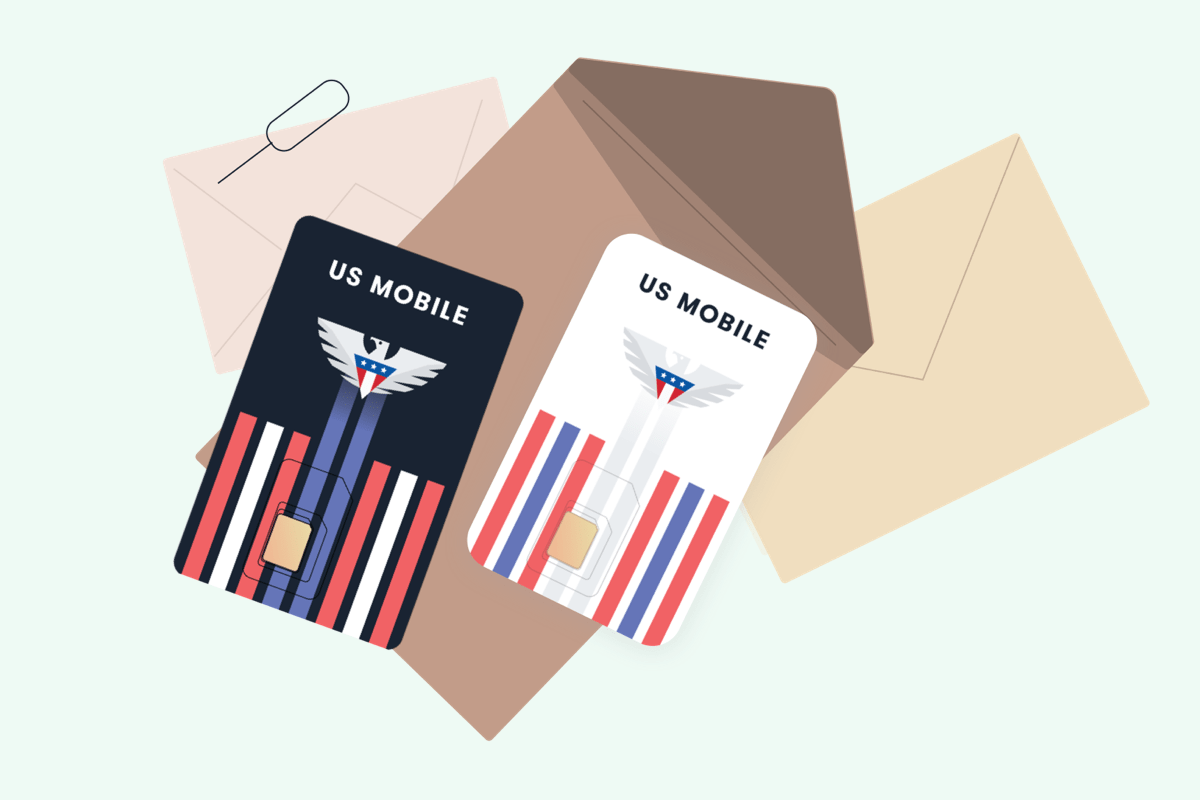
You’ll still see the old “GSM” and “Super LTE” labels floating around the internet. Ignore those. The branding moved on. US Mobile’s networks are now called Warp 5G, Dark Star, and Light Speed, and you get access to all three nationwide networks on paid plans. The kit itself is just the physical SIM card (and a handy ejector pin) that activates your line on the network you choose.

Ordering a Starter Kit at US Mobile
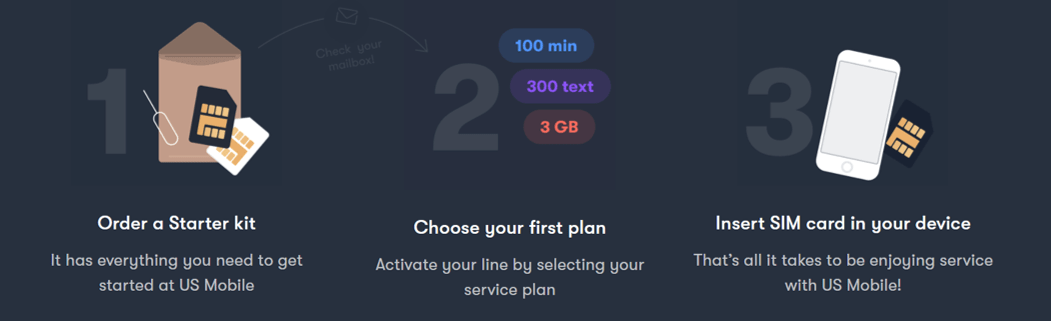
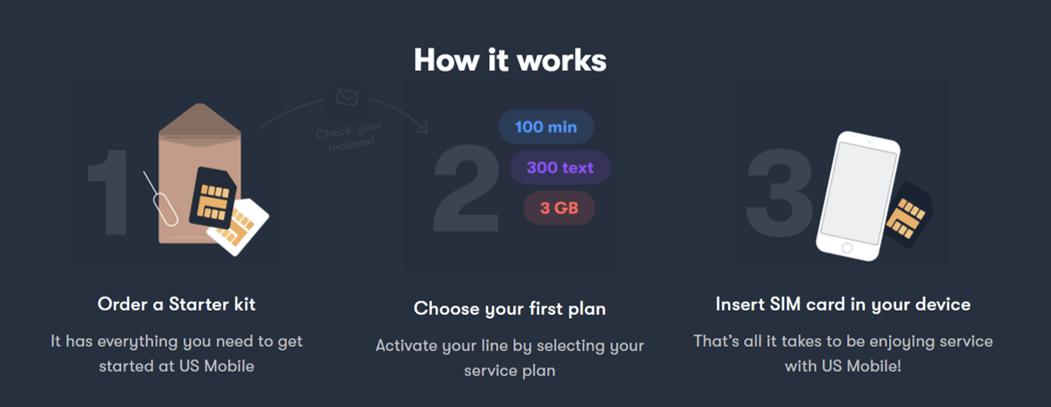
Getting set up is genuinely painless. If you want the physical SIM route, here’s the flow:
Order your SIM kit
Grab a Starter Kit from the US Mobile shop. It ships with the SIM and an ejector pin so you can swap cards without hunting for a paperclip.
Activate and pick a plan
Head to usmobile.com/activate, then choose a plan. Plans start at $8/mo for light users, $17.50/mo for Unlimited Flex, and $25/mo for Unlimited Starter. Annual billing drops those lower.
Insert and go
Pop the SIM into your phone’s tray, and your line goes live. Bring your own phone, keep your number, no contract holding you down.
That’s the whole thing. No store visit, no salesperson, no activation fee. If you’d rather not wait on the mail at all, keep reading, because there’s a faster way.
The faster route: skip the SIM, use an eSIM
Here’s the thing. A physical Starter Kit still works, but most phones from 2018 onward support eSIM, which is a digital SIM built right into the phone. No card to insert, no mail to wait for. You activate it over Wi-Fi in about two minutes. (Want the deep dive? We have a whole guide to eSIM on US Mobile.)
And the best part: you can test it for free first. US Mobile’s free trial gives you 30 days and 30GB of premium data, plus unlimited talk and text, on the Warp 5G or Dark Star network. You’ll add a payment method to activate, but you won’t be charged during the trial, and there’s no contract if you decide to walk away. Porting an existing number is part of the trial setup.
Start at get-started
Go to usmobile.com/get-started, then create an account or log in.
Add a line, pick the free trial
Choose Add a new Line, then Special Offers, then Free Trial, and continue.
Choose eSIM activation
Skip the physical Starter Kit and select eSIM. Nothing to wait for in the mail.
Pick your network and port your number
Select Warp or Dark Star, then transfer your existing number. Confirm and activate.
Scan the QR code
Point your camera at the QR code US Mobile shows you. Your line is live in a few minutes. Step-by-step screenshots live in our eSIM activation guide.
SIM or eSIM, which should you pick?
Honestly, for most people in 2026 the eSIM is the easier call. But there’s a real case for each, so here’s how they stack up side by side.
Physical Starter Kit SIM
- Works in any phone with a SIM tray, including older models
- Easy to move between phones by swapping the card
- Ships to you, so there’s a short wait
- Good if your phone doesn’t support eSIM
eSIM
- Activates online in about two minutes, no mail
- Try it free for 30 days with 30GB of data first
- Holds multiple profiles, so you can run more than one line
- Can’t be lost or physically removed, which is more secure
About those networks
US Mobile runs three nationwide networks: Warp 5G, Dark Star, and Light Speed. The whole original idea behind the Starter Kit, letting you find what works best where you live, still holds. The difference now is you can switch networks in the app instead of swapping a card, thanks to TelePortal. No hardware juggling.
The free trial runs on Warp or Dark Star. Once you’re on a paid plan you get access to all three, and you can move a line between them whenever you want. We don’t say which carrier each network maps to, and frankly you don’t need to know, since you just pick the one with the best signal for you and go.
Try US Mobile eSIM free for 30 days
30GB of premium data plus unlimited talk and text on Warp 5G or Dark Star. No charge during the trial, no contract.
Start your free trialFrequently Asked Questions
What is the US Mobile Starter Kit SIM?
It’s a physical SIM card (with an ejector pin) that activates your US Mobile line on one of the nationwide networks. The old GSM and Super LTE labels are retired; the networks are now Warp 5G, Dark Star, and Light Speed. Most newer phones can skip the physical kit entirely and use an eSIM instead.
Do I still need a physical Starter Kit, or can I use an eSIM?
If your phone supports eSIM (most phones from 2018 onward do), you can skip the physical Starter Kit and activate online in about two minutes. Many 2022-and-newer iPhones sold in the US have no SIM tray at all, so eSIM is the only option on those.
How much does the US Mobile Starter Kit cost?
There’s no activation fee with US Mobile, and you choose a plan when you set up your line. Plans start at $8/mo for light users and $25/mo for Unlimited Starter, with annual billing bringing those lower. You can also try an eSIM free for 30 days before paying for a plan.
Can I try US Mobile before paying for a plan?
Yes. US Mobile offers a free 30-day eSIM trial with 30GB of premium data plus unlimited talk and text on the Warp 5G or Dark Star network. You add a payment method to start but aren’t charged during the trial, and there’s no contract.
Does the SIM kit have a SIM card tool to remove the SIM card from the phone?
Yes, it does.