

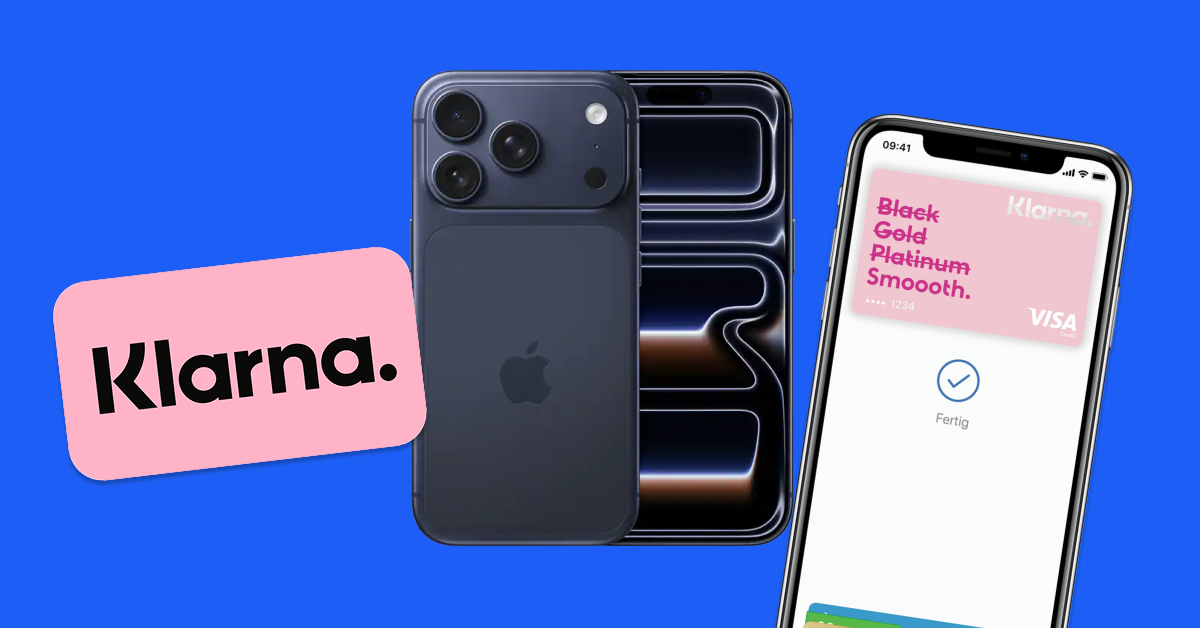
Want to buy an iPhone 17 with Klarna? You’ve got two ways to make it happen: use the Klarna Card directly at Apple for an unlocked phone, or shop at retailers like Best Buy and Target (though those phones come carrier-locked).
Here’s exactly how to use Klarna for your iPhone 17 purchase, including the secret most people don’t know – the Klarna Card works at Apple.com just like a regular debit card.

Quick Navigation
Quick Answer: How to Buy iPhone 17 with Klarna
- Get the Klarna Card in the Klarna app (instant virtual card)
- Shop at Apple.com for an unlocked iPhone
- Use Klarna Card at checkout like any debit card
- Choose payment plan in Klarna app after purchase
That’s it. No gift cards needed. For more BNPL options, check our complete guide to ordering iPhone 17 with BNPL.
Klarna Payment Options for iPhone 17
When you buy iPhone 17 with Klarna, you have several payment options:
Pay in 4
- How it works: Split into 4 equal payments over 6 weeks
- Interest: Always 0%
- Credit check: Soft pull only
- Example: $999 iPhone = $249.75 every 2 weeks
Monthly Financing
- Terms: 6, 12, or 24 months
- Interest: 0-33.99% APR based on credit
- Credit check: Hard pull required
- Example: $999 iPhone = $89/month for 12 months
Method 1: Klarna Card at Apple (Best for Unlocked)
Step 1: Get Your Klarna Card
- Download Klarna app
- Tap “Klarna Card”
- Apply (takes 2 minutes)
- Get instant virtual card
- Add to Apple Pay or save card details
Step 2: Buy at Apple.com
- Go to apple.com/iphone
- Select iPhone 17
- Choose “Connect to any carrier later” for unlocked
- Enter Klarna Card at checkout
- Complete purchase
Step 3: Set Your Payment Plan
- Open Klarna app after purchase
- See your Apple purchase
- Choose Pay in 4 or monthly plan
- Set up autopay
Pro: Gets you an unlocked iPhone Con: Need approval for Klarna Card
Method 2: Klarna at Retailers
Best Buy
- Klarna available at checkout
- Phones are Verizon or AT&T locked
- Online and in-app only
Target
- Klarna Pay in 4 available
- AT&T locked phones only
- Online only
Pro: Direct Klarna checkout Con: Phones are carrier-locked

Method 3: Gift Card Workaround
If you can’t get a Klarna Card:
- Buy Apple Gift Cards at Target with Klarna
- Use gift cards at Apple.com
- Get unlocked iPhone
This takes extra time and stocks might change. See our full BNPL guide for details.
Klarna Approval Requirements
For Pay in 4:
- 18+ years old
- US bank account
- Debit or credit card
- Phone number
- Soft credit check only
For Monthly Financing:
- All of the above plus
- Higher credit score (typically 640+)
- Hard credit check
- Steady income
Is Klarna Safe for iPhone Purchases?
Yes. Klarna is a legitimate Swedish fintech company that:
- Partners with major retailers
- FDIC insured through partner banks
- Offers purchase protection
- Has 150+ million users globally
Klarna Fees to Know
Pay in 4:
- No interest
- No fees if paid on time
- Late fee: Up to $7
Monthly Financing:
- Interest varies by creditworthiness
- No hidden fees
- Early payoff allowed
FAQs
Does Klarna Card really work at Apple.com?
Yes! The Klarna Card functions like a regular Visa debit card. Apple processes it normally – they don’t even know it’s connected to Klarna.
Will using Klarna affect my credit score?
Pay in 4 uses a soft credit check (doesn’t affect score). Monthly financing uses a hard check and reports to credit bureaus.
What’s the maximum Klarna will approve?
Varies by user. First-time users might get $500-1,000 for Pay in 4. Regular users with good payment history can get $2,000+.
Can I return an iPhone bought with Klarna?
Yes. Follow Apple’s or the retailer’s return policy. Klarna will cancel or adjust your remaining payments once the return processes.
Which is better – Klarna Card or regular Klarna checkout?
Klarna Card is better because you can shop at Apple for an unlocked phone. Regular Klarna checkout at retailers gets you carrier-locked phones.
The Bottom Line
The smartest way to buy iPhone 17 with Klarna:
- Get the Klarna Card (5 minutes)
- Buy directly from Apple.com
- Get an unlocked iPhone with flexible payments
This avoids carrier locks and gives you complete freedom with your new iPhone. Once you have that unlocked phone, you can use any carrier – including US Mobile for plans that cost way less than the major carriers.
For more BNPL options and detailed comparisons, check our complete iPhone 17 BNPL guide.
Disclaimer: This article is for informational purposes only and does not constitute financial advice. US Mobile is not a financial institution and does not endorse, guarantee, or assume responsibility for any third-party buy now, pay later (BNPL) services, credit products, or financing options mentioned in this article.
All BNPL and financing decisions should be made based on your individual financial situation. Your use of any BNPL service, credit card, or financing option is at your own risk and subject to the terms and conditions of the respective provider. These services may perform credit checks, report to credit bureaus, and charge fees or interest that could impact your credit score and financial standing.
US Mobile is not responsible for any financial consequences, credit impacts, fees, interest charges, or other outcomes resulting from your use of these services. We are not liable for changes to retailer policies, BNPL terms, product availability, pricing, or order fulfillment. Information about carrier locks, flex locks, and phone compatibility is provided for educational purposes only.
Always read and understand the complete terms and conditions of any financial service before committing. Consider consulting with a financial advisor if you have questions about financing options. Product availability and delivery dates are not guaranteed and subject to change by Apple and retailers.
Leave a Comment