-

Super LTE with Unlimited Plans and Special iPhone X Offer
We’re beyond excited to not just launch our second network (which happens to be America’s biggest LTE network) but also Unlimited Plans and an exclusive iPhone X offer! It’s a good day to be a US Mobile customer, or become one 😉 The New 4G LTE Network This summer we announced that we’ll be launching…
·
-

How To Reset Your Phone Before Selling It?
If you’re thinking about upgrading your phone to the latest the market has to offer, you might want to sell your current phone. Depending on what model and brand you have, the resell value could be high so why not sell it instead of letting it collect dust in a drawer? Be careful though that…
·
-

How to Insert a SIM Card or Set Up an eSIM (2026)
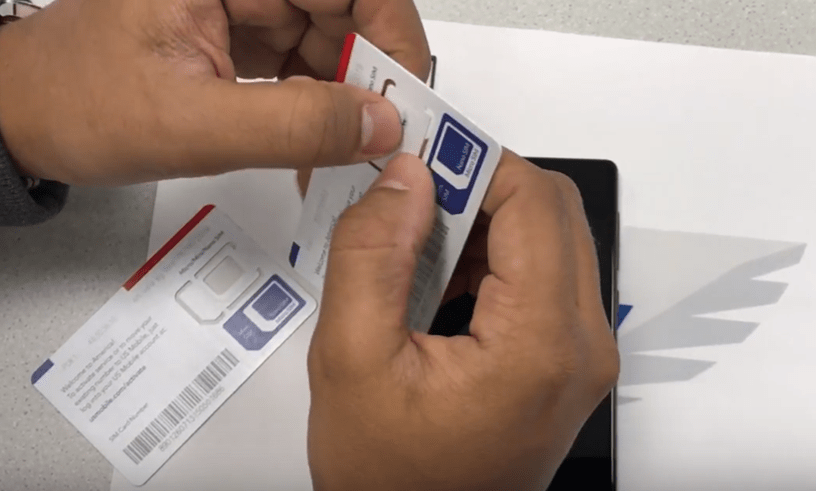
Updated June 2026 Here’s how to insert a SIM card in your phone the right way, whether you’re putting a physical SIM in the tray or skipping the plastic entirely with an eSIM. Both paths take a couple of minutes, and we’ll walk through each one. Last updated: June 18, 2026 7-min read Physical SIM…
·
-

Transfer Contacts From Android to Iphone
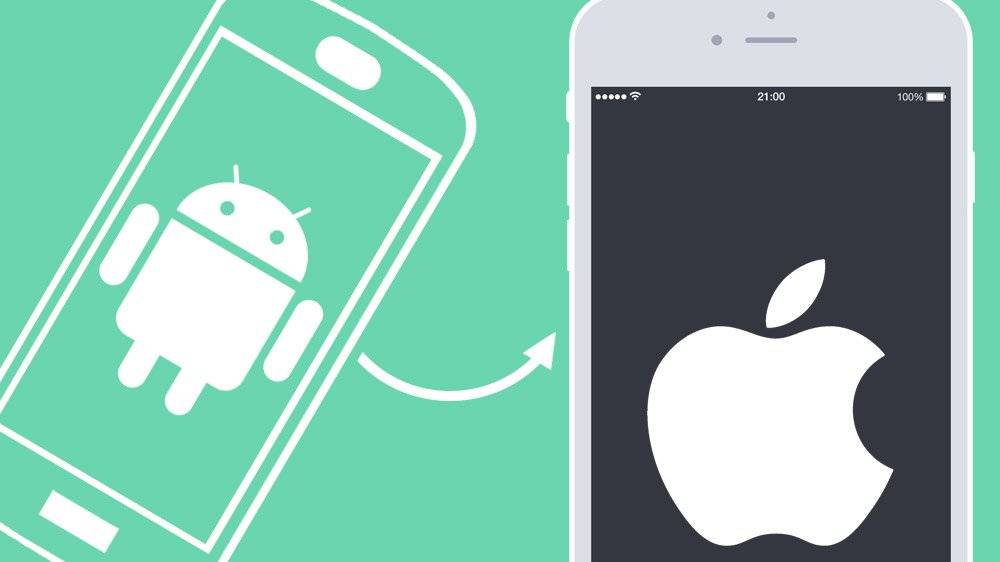
Are you thinking about switching from Android to iPhone but does it sound daunting to transfer all the data? Data like photos, music, texts, calendar, and all the contacts from your address book. We feel you, and that’s why we’ve made an easy how-to-guide to accomplish this in the easiest way possible. Moving Data from…
·
-

Is Faster and Better Quality Network Eating More Data?
Most people don’t know how much data they use in a regular month. This might make it hard to assess how much you really need to have on your cell phone plan. The easiest way to figure out how much you use is to check with your current carrier or directly on your phone. On iPhone,…
·
-

Prepaid Internet for Various Devices On the Rise
Prepaid internet means that you pay before using it, similar to prepaid cell phone plans. You can either pay for the amount of data you want to use, or you pay for an unlimited service that is limited in time. Some of the advantages of prepaid internet are the lack of: Hidden fees Contracts Surprise…
·
-

How Inflight WiFi Determines Which Airline We Choose
Inflight Wi-Fi has come a long way since its introduction a decade ago. In fact, it’s now one of the top three considerations when choosing an airline. Ticket price and schedules are still the most important factors but inflight WiFi ends up in third place. It’s clear that inflight broadband is changing the airline industry by…
·
-

GPS Trackers Will Be Mandatory for Professional Drivers
A new regulation requires drivers to use ELD, Electronic Logging devices, to track their driving. And in order to electronically log someone’s driving, the ELD needs a GPS tracker. The GPS is able to accurately track and calculate driving hours, speed and geographical area. A Prepaid Plan for Your GPS Tracker So why are we writing about this…
·
-

How Data Throttling is Changing and Affecting You
Data throttling is a common and intentional way to slow down or restrict data speeds. As video streaming has become a daily habit of most of us, the networks struggle to cope with the increased demand. There is basically a shortage of bandwidth on the networks. This has made certain carriers, especially the ones offering unlimited plans, put…
·
-

Why are US Mobile’s Plans so Inexpensive?
If you’re with one of the bigger carriers, you could be paying $70 per month for your mobile phone. US Mobile’s mission is to offer inexpensive cell phone plans, and the average customer is paying less than $20 per month. Switching would mean that you save around $600 per year. Sounds good right? Let’s take…
·
-

The Phone Accessories of the Future are Here
Want a glimpse into the future? We found the most innovative phone accessories currently on Kickstarter. Some are already on the market, while others need some support to get through the final stretch of development. SELFLY is the Phone Case that Makes your Phone Fly SELFLY is a 9 mm thick phone case, which is also an…
·
-

Google Maps Updates You Might Have Missed
Google Maps has made a series of updates during the first two months of the year. Most of the updates are relating to a new navigation bar. The bar consists of three icons: Places, Transit, and Driving, which help you explore the area around you. In case you missed what’s new with Google Maps, we’ve…
·
-

Is my phone unlocked? Can I bring it to any network?
We have covered this topic of locked vs. unlocked phones in the past, but it’s still one of the most common questions we get. Therefore, we’ve decided to write another article describing it. Many carriers still limit the phones to only work on their network, at least till you tell them to do something about…
·
-

7 Secret Spotify Hacks You Didn’t Know Existed
1. Find Out about Concerts If you go to Browse and look far left you’ll see Concerts. Tap it and find out when your favorite artists are performing. 2. Send a Particular Part of a Song If you want your friend to listen to a song, but just a certain part of it, do the following:…
·
-

How to make Your Phone a Wi-Fi Hotspot?
Stranded with your computer with no access to Wi-Fi? Need to send an email on the go desperately? Pick up your phone and turn your cellular connection into a Wi-Fi connection for other devices. This is called creating a hotspot, and if you connect your computer to that, you do something called tethering. The number…
·
Tips & Tricks
Get tech-savvy and money smart with US Mobile’s Tips & Tricks section.